Black Screen of Death – Causes, Fixes, and Recovery Steps
The Black Screen of Death is a serious display problem where the computer powers on but no usable image appears on the screen.
Unlike a normal monitor sleep state, the system may still appear active while the display remains completely black. Fans may spin, keyboard lights may turn on, and the computer may even continue running in the background.
This issue is commonly linked to startup failures, graphics driver crashes, GPU instability, corrupted system files, or hardware problems.
A black screen of death can appear even while the computer itself is still powered on.
What Is the Black Screen of Death?
The Black Screen of Death describes a condition where the operating system fails to display visual output properly.
In some cases, the screen stays black immediately after startup. In others, the issue appears after login, after a driver update, or during system crashes.
Unlike a Blue Screen of Death, this problem may show no visible error message at all.
Black Screen After Login
One of the most common versions of this problem happens after entering the Windows password.
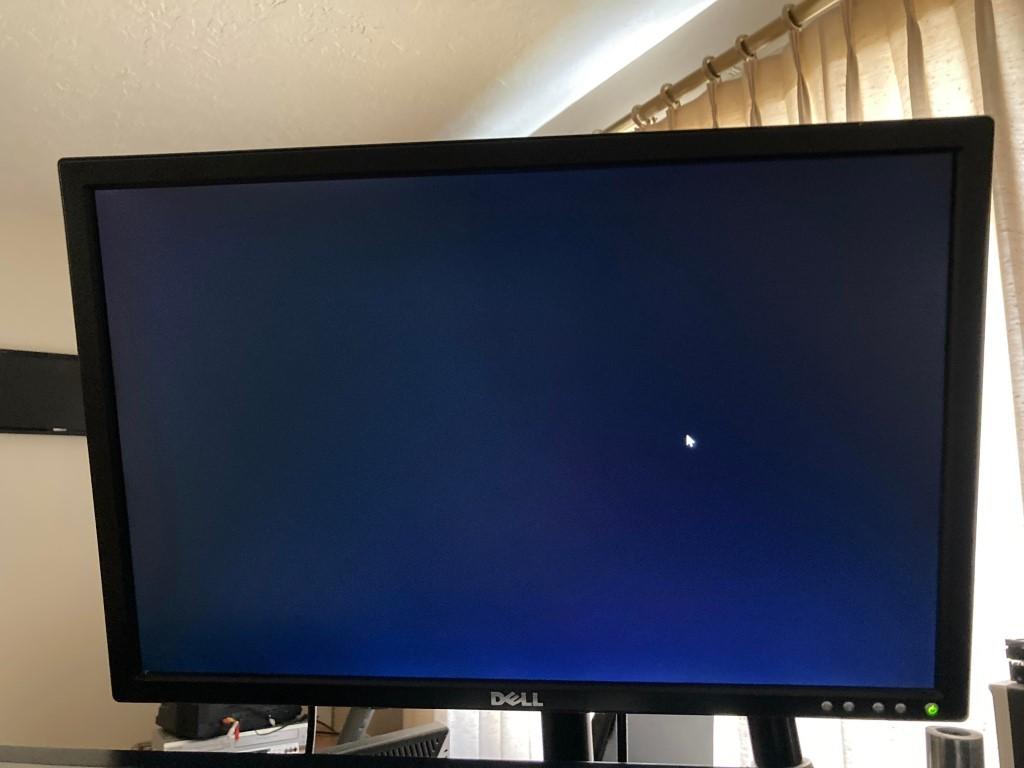
Some black screen problems happen only after the operating system finishes loading.
This usually points to:
- Graphics driver conflicts
- Corrupted Windows shell processes
- Startup software issues
- Display initialization failures
Common Causes of the Black Screen of Death
1. Graphics Driver Failure
GPU driver crashes are one of the leading causes of black screen problems.
This often happens after:
- Windows updates
- Driver installations
- Game crashes
- GPU overclocking
2. Corrupted System Files
Missing or damaged Windows files can interrupt the startup process and prevent the desktop from loading.
3. GPU Hardware Problems
Overheating graphics cards, failing VRAM, or unstable GPU connections can produce complete black displays.
4. RAM Instability
Faulty or poorly connected RAM modules may prevent the operating system from booting properly.
5. Display Connection Issues
Damaged HDMI or DisplayPort cables can interrupt video output entirely.
How to Fix the Black Screen of Death
Step 1: Restart the Computer
Temporary crashes may disappear after a clean restart.
Step 2: Disconnect External Devices
Remove unnecessary USB devices, external monitors, and accessories before booting again.
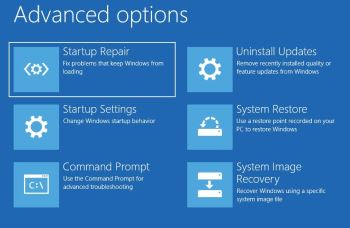
Step 3: Enter Safe Mode
Safe Mode can help isolate startup and driver problems.
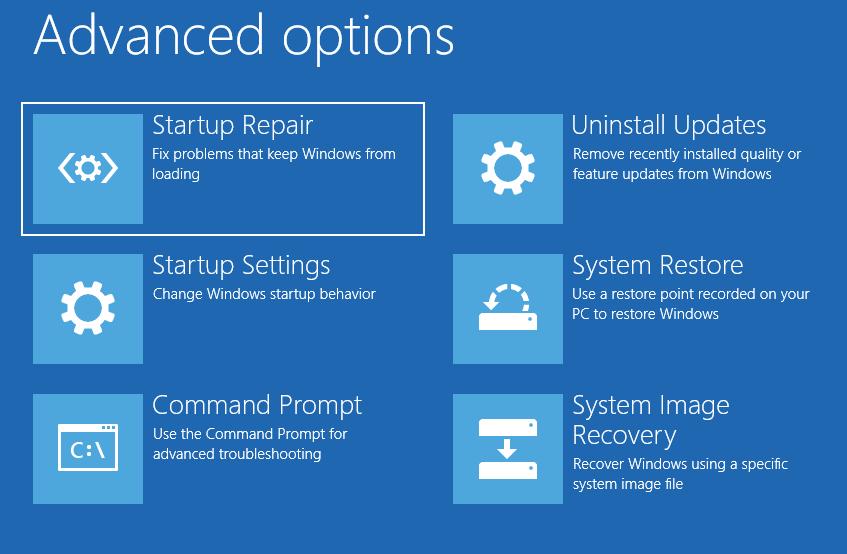
Safe Mode can help diagnose graphics driver and startup-related black screen issues.
Inside Safe Mode, you can:
- Uninstall problematic GPU drivers
- Remove unstable software
- Run system repair tools
- Restore previous system states
Step 4: Check GPU and RAM Connections
If the issue continues, inspect internal hardware carefully.
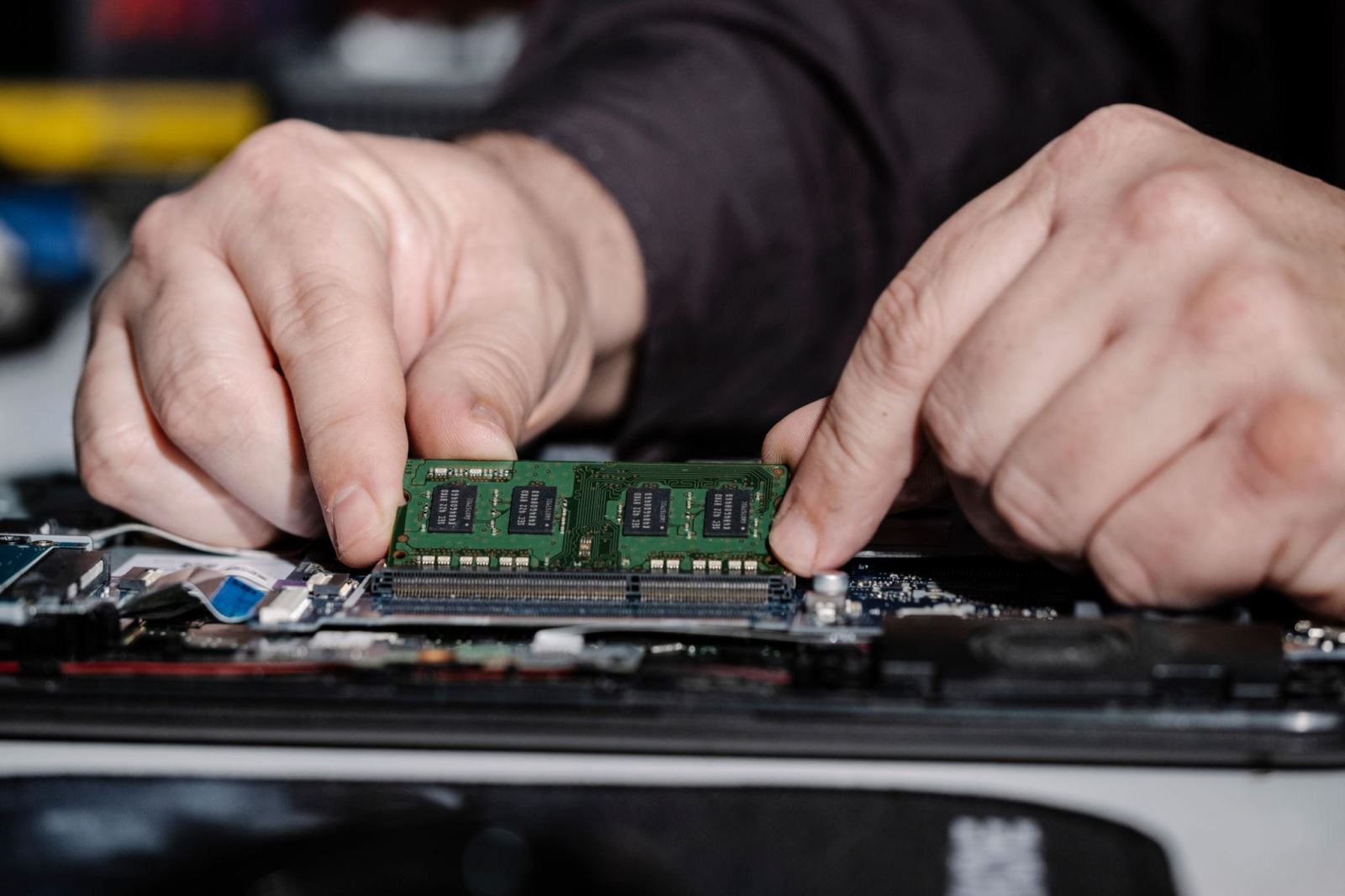
Hardware issues such as loose RAM or GPU connections can also cause black screen failures.
Check:
- GPU seating
- RAM installation
- Power cables
- Monitor cables
Using a Fullscreen Black Screen for Display Inspection
After recovering from a crash, a fullscreen black screen can help verify display quality and monitor condition.

A fullscreen black screen can help identify display uniformity and backlight problems after system recovery.
A pure black background may reveal:
- Backlight bleeding
- OLED burn-in patterns
- Uneven brightness
- Bright stuck pixels
Open Fullscreen Black Screen Tool
When the Problem Is Serious
Some black screen crashes indicate deeper hardware instability.
You should seek professional repair if:
- The system crashes repeatedly
- The GPU overheats frequently
- The display loses signal constantly
- The computer fails to boot multiple times
Frequently Asked Questions
Is the Black Screen of Death the same as BSOD?
No. BSOD usually shows an error message, while the Black Screen of Death often shows nothing at all.
Can graphics drivers cause a black screen?
Yes. Corrupted or unstable GPU drivers are very common causes.
Can RAM cause black screen crashes?
Yes. Faulty RAM can prevent the operating system from loading correctly.
Will Safe Mode fix the issue?
Safe Mode does not always solve the problem directly, but it helps diagnose startup and driver issues safely.