Screen Goes Black Randomly – Causes, Signal Problems, and Fixes
A screen that randomly turns black can be extremely frustrating because the issue appears unpredictably during normal use.
In many cases, the computer itself continues running while the monitor temporarily loses video output for a few seconds before returning to normal.
This problem is commonly linked to unstable HDMI connections, graphics driver crashes, refresh rate conflicts, overheating GPUs, or monitor signal interruptions.
.jpg)
Random black screens may happen even while the computer continues running normally.
Why Does the Screen Randomly Go Black?
A temporary black screen usually means the monitor briefly loses stable video output.
Unlike a full system crash, the computer may continue functioning in the background while the display disappears for a few seconds.
Some users experience this issue during gaming, while watching videos, after waking from sleep mode, or even during normal desktop use.
Common Causes of Random Black Screens
1. Loose HDMI or DisplayPort Connections
Unstable display cables are one of the most common causes of intermittent black screens.
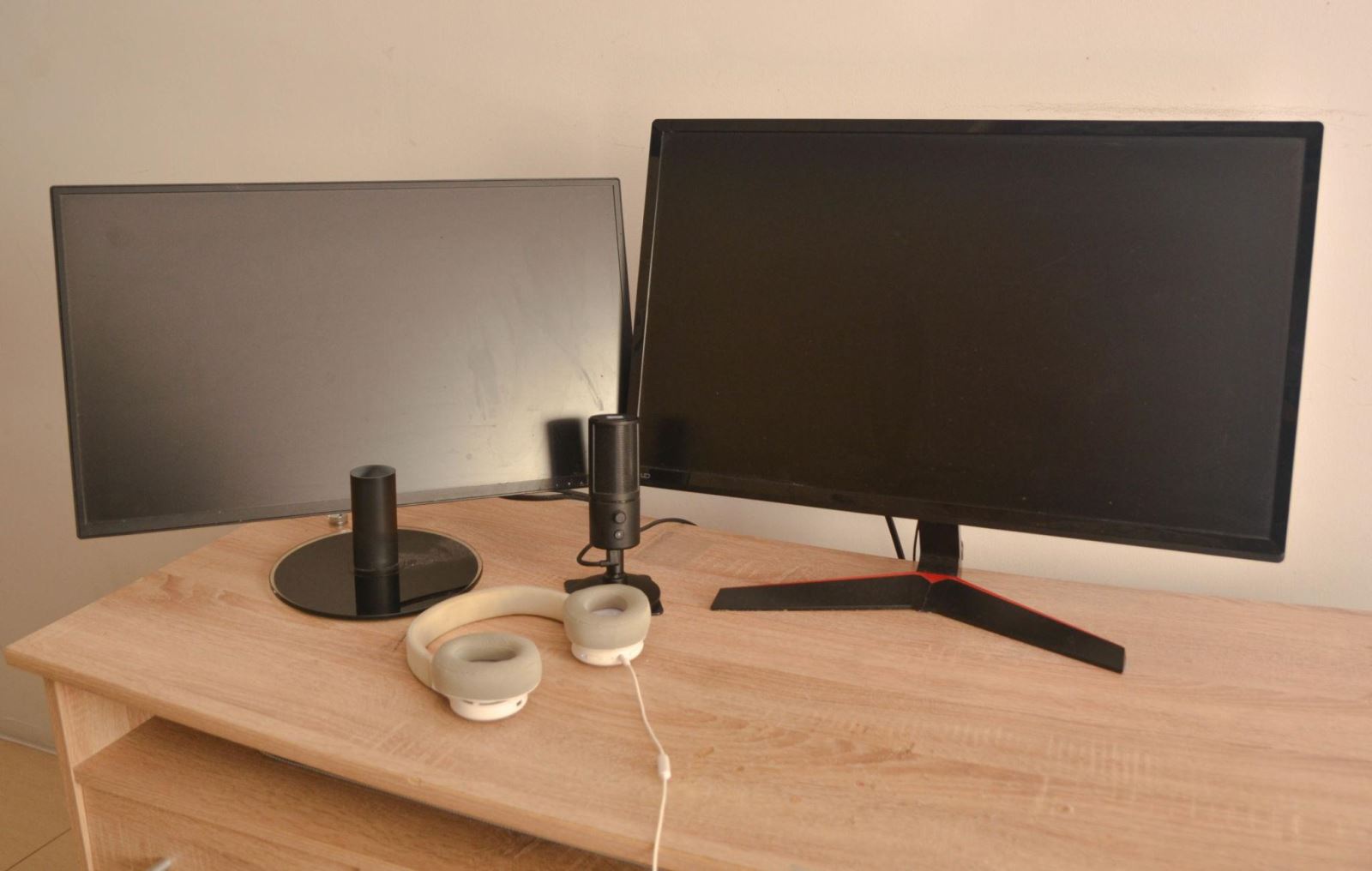
Loose or unstable display cables can cause intermittent black screen problems.
Check:
- HDMI cable condition
- DisplayPort connection stability
- Monitor input ports
- GPU output ports
2. Graphics Driver Instability
GPU drivers may temporarily crash and recover automatically, causing the monitor to go black for a few seconds.
This is especially common after:
- Graphics driver updates
- Windows updates
- GPU overclocking
- Game crashes
3. Incorrect Refresh Rate Settings
Some monitors become unstable when refresh rates are configured incorrectly.
.jpg)
Incorrect refresh rate settings or unstable GPU drivers may trigger temporary black screen interruptions.
Using unsupported refresh rates may produce:
- Temporary signal loss
- Monitor flickering
- Short blackouts
- Display instability
4. GPU Overheating
Graphics cards that overheat under heavy load may temporarily stop outputting video.
This often happens during:
- Gaming
- Video rendering
- High GPU usage
- Poor airflow conditions
5. Monitor Hardware Problems
Failing monitor power supplies or unstable display panels may also produce intermittent blackouts.
How to Fix a Screen That Randomly Goes Black
Step 1: Reconnect Display Cables
Disconnect and reconnect HDMI or DisplayPort cables carefully.
If possible, test with a different cable to eliminate signal instability.
Step 2: Update or Reinstall GPU Drivers
Install stable graphics drivers directly from the GPU manufacturer.
Step 3: Lower the Refresh Rate
If the monitor becomes unstable at high refresh rates, try switching temporarily to a lower setting.
Step 4: Check GPU Temperatures
Monitor GPU temperatures during gaming or heavy workloads.
Overheating may trigger temporary display interruptions.
Step 5: Test Another Monitor
Testing with another display can help determine whether the issue comes from the monitor or the computer itself.
Using a Fullscreen Black Screen for Display Stability Testing
A fullscreen black background can help identify monitor stability problems and display inconsistencies.
.jpg)
A fullscreen black background can help identify intermittent display instability and monitor uniformity issues.
Dark fullscreen backgrounds may help reveal:
- Backlight bleeding
- Uneven brightness
- Flickering issues
- Signal instability
Open Fullscreen Black Screen Tool
When the Problem Is Serious
Repeated blackouts may indicate deeper hardware instability.
You should consider professional repair if:
- The monitor frequently loses signal
- The GPU overheats constantly
- The system crashes during blackouts
- The screen randomly goes black multiple times per day
Frequently Asked Questions
Why does my monitor randomly go black for a few seconds?
This is often caused by unstable HDMI connections, graphics driver crashes, or refresh rate conflicts.
Can HDMI cables cause random black screens?
Yes. Loose or damaged cables are one of the most common causes.
Can overheating cause black screens?
Yes. GPUs that overheat may temporarily stop outputting video.
Can a monitor itself cause random blackouts?
Yes. Monitor hardware issues or unstable power supplies can also interrupt display output.